Live translated captions
Read what the other person says in the language you choose.
Speak in your own language on DoTalk Live. The person you invite can follow with translated captions or spoken interpretation in their browser.

Read what the other person says in the language you choose.
Hear the translation when spoken interpretation is enabled in the call.
Share an invite link. Your guest opens the call in a browser without creating an account.
Example conversation in English and Spanish with translated captions and spoken interpretation enabled.
The guest can read and hear the translation in Spanish.
¿Podemos reunirnos mañana?
The host can read and hear the reply in English.
Yes, tomorrow works.
DoTalk screens captured with example details.
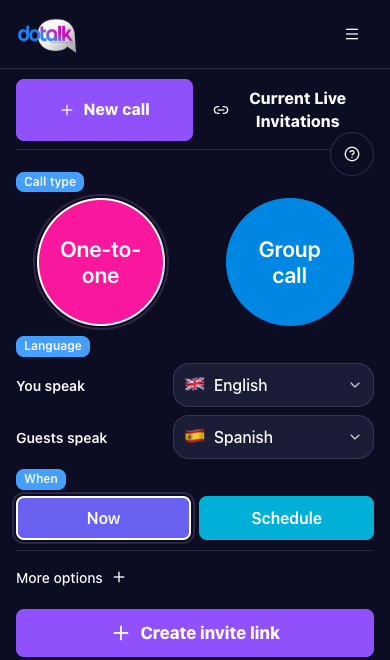
Choose the call type and spoken languages, then create an invite link.
Check the displayed name and language before joining.
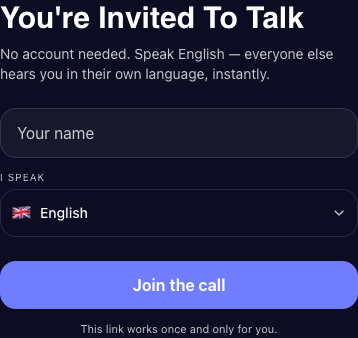
The host signs in to create the call. A guest can join from the invite link without signing up.
Yes. In the call, use the caption and voice controls to choose how you follow the translation.
Yes. Explore the DoTalk web translator for text, speech, camera and documents.